

This tool can be found also in GIMP or photoshop and it is one of the most used tools to fix imperfections or cover anything we don't want to see.
It copies pixels from the area we choose and pastes them wherever we move the tool on.
it is pretty easy and simple to use. You need to set the brush where you wanna copy pixels, press the Alt key (on the left of the space key) and then click where you want to copy the pixels.
In this excercice You need to make a version of a pieter brueguel painting removing the main characters.
You'll have to post the original painting and your final result. The most you change the original painting the highest your grade will be.
Let me show you my example:
You'll have to post the original painting and your final result. The most you change the original painting the highest your grade will be.
Let me show you my example:
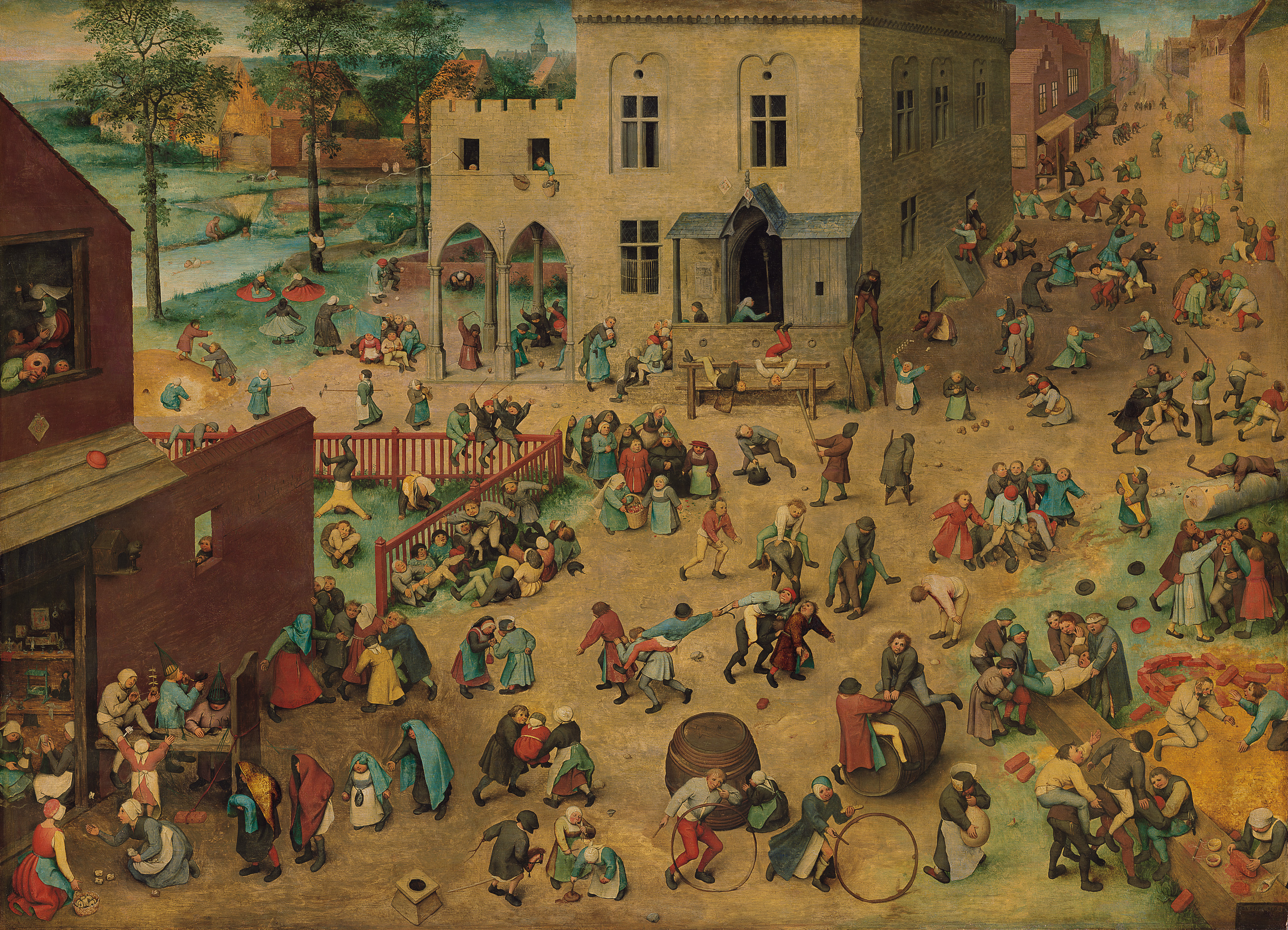 |
| Children's games . Original painting by Pieter Brueguel |
 |
| I deleted the characters using the clone stamp tool |

No hay comentarios:
Publicar un comentario